
What to do if a website is blocked
Your organization protects this device with NextAnalyzer. One of its defenses blocks dangerous websites or ones not allowed at work. Here's what you'll see and what you can do.
Recognize the notice page
When you open a blocked website, the browser shows “This website isn't allowed” and “Your organization has blocked access to” with the site name. Below it you'll see the “Reason”, such as “Social media” or “A rule set by your organization”.
Expected result: You know which website was blocked and under which category.
Understand why it's blocked
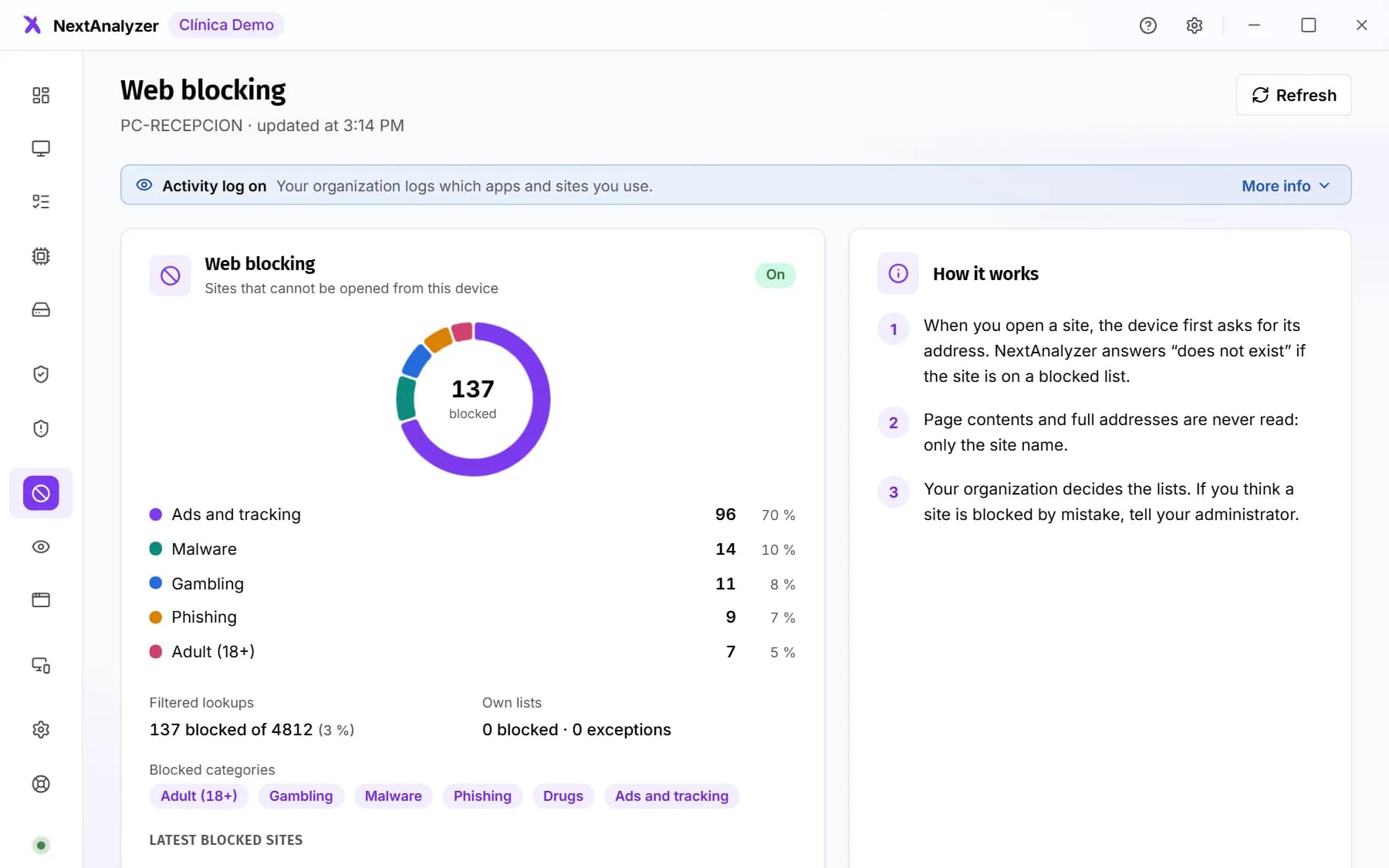
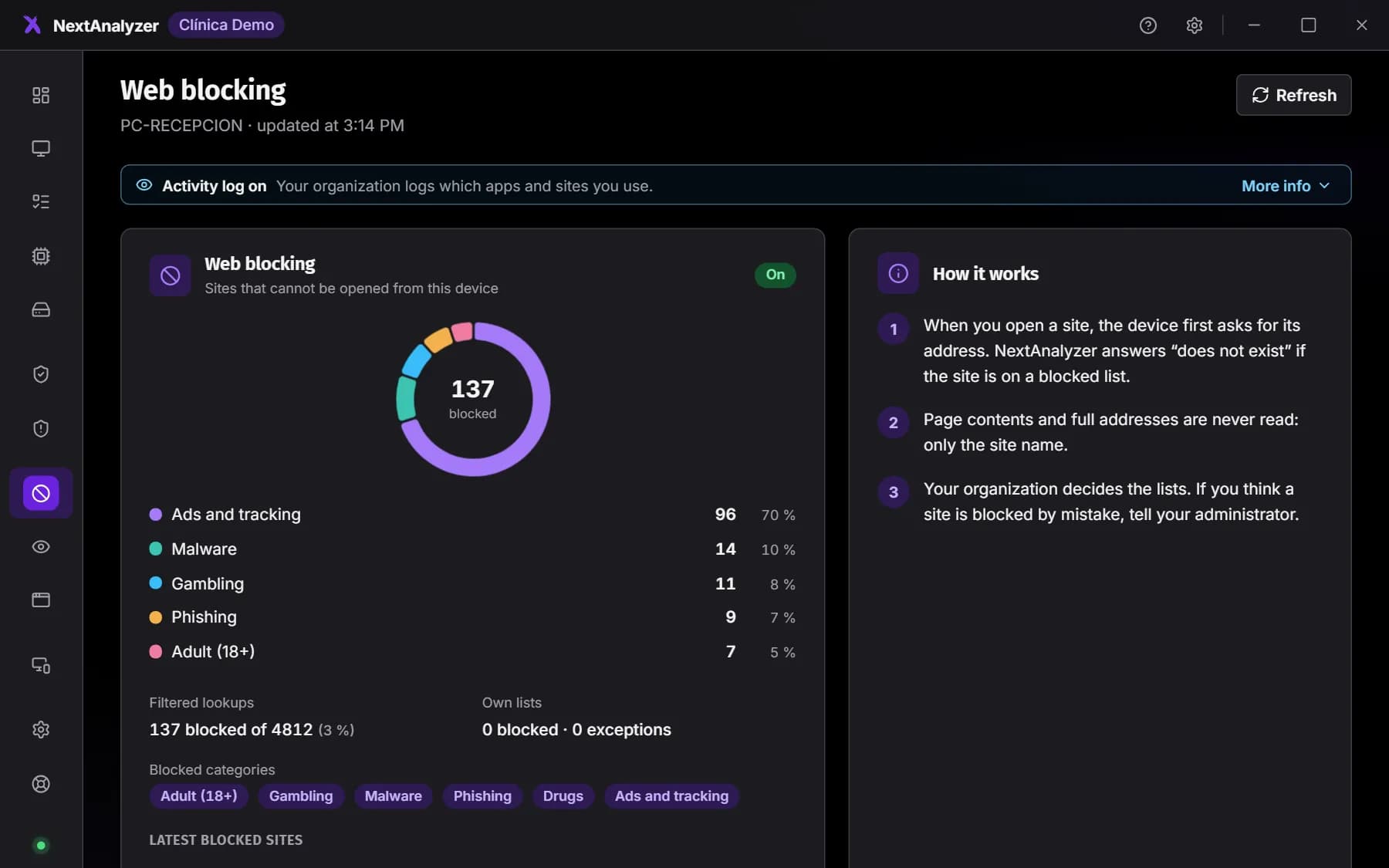
Open the app and go to Web blocking. It explains how it works: the device asks for each website's address and, if it's on a blocked list, NextAnalyzer answers that it doesn't exist. Your organization decides the lists.
Expected result: You see the Web blocking page with the explanation of the filter.
Tip: Page contents and full addresses are never read: only the website's name.
If you need that website, ask for it
Write to your IT department or your NextAnalyzer administrator. Give them the exact address, for example “example.com”, and why you need it. For now you can't request unblocking from the notice page.
Expected result: Once it's allowed, the notice page changes to “This website is no longer blocked”: reload in a minute.
Decide on ads
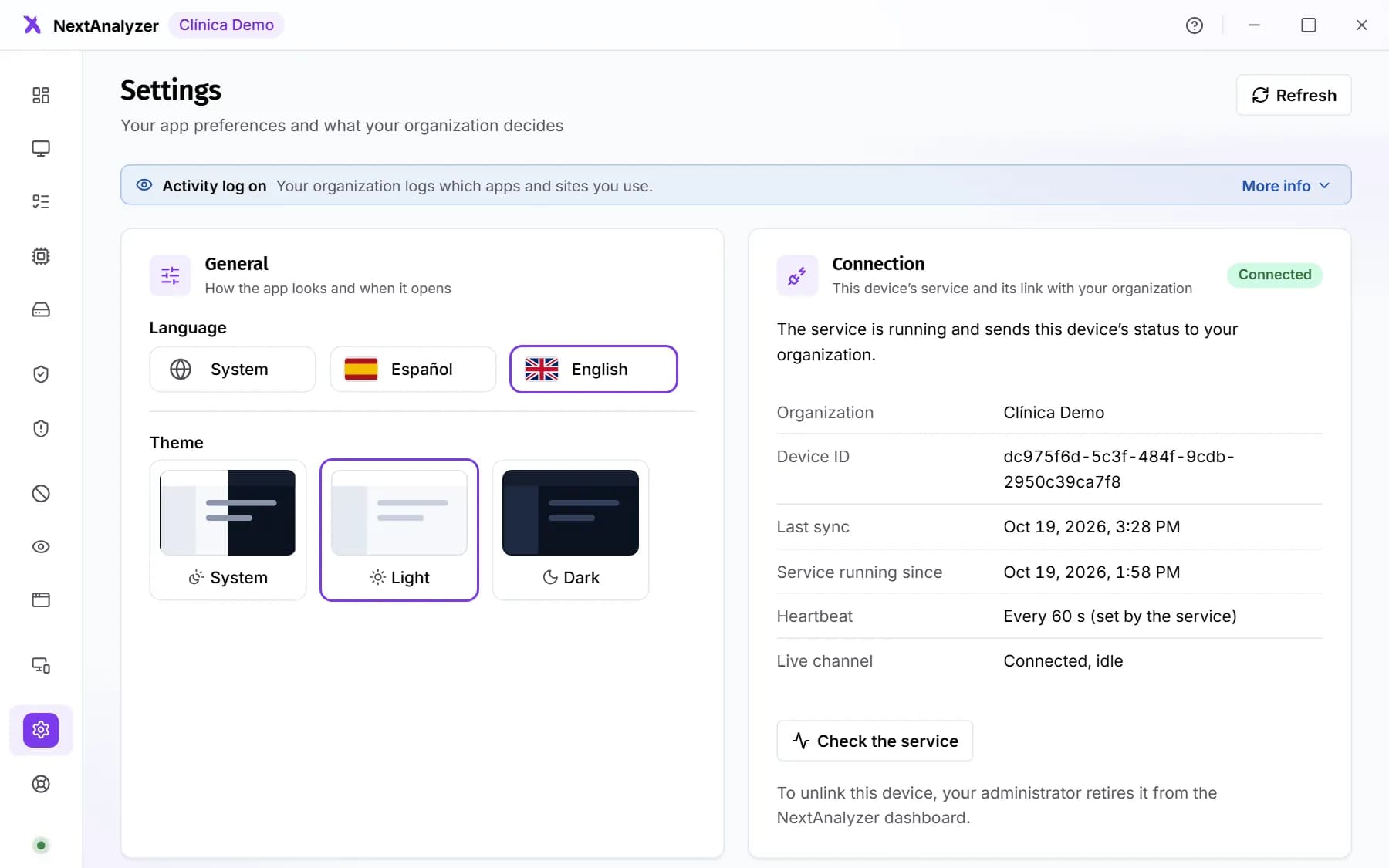
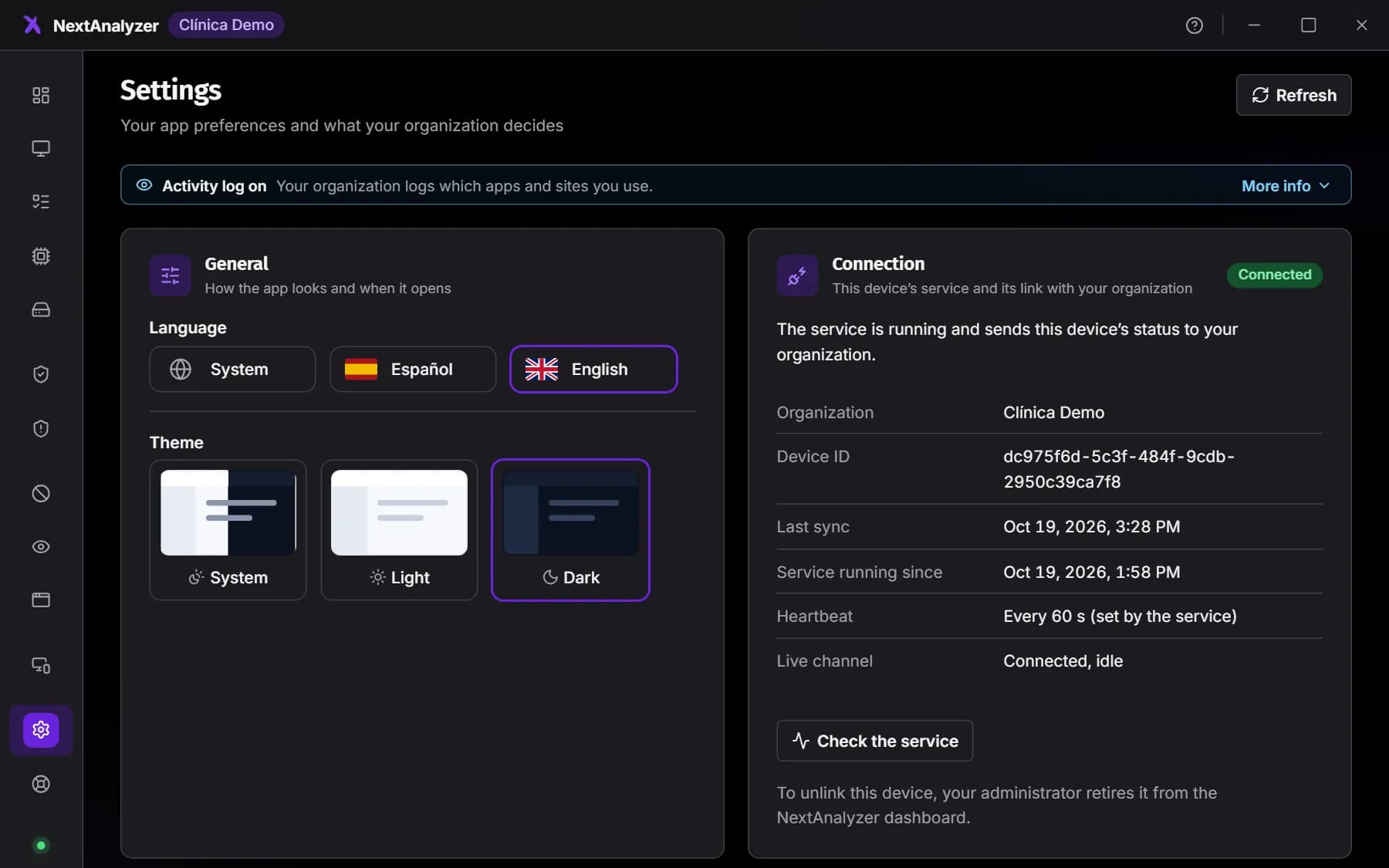
Open Settings in the app. Under Ad blocking, the “Block ads” switch is on by default. It removes ads and trackers on websites and in apps. You can turn it off any time, unless your organization requires it.
Expected result: You see whether it's “On”, how many domains are on the list and how many ads were blocked.
Tip: Your organization can't see whether you have it on or which ads are blocked: those numbers stay on your device.
Finish setting it up in the browser
In Chrome, Edge and Firefox, uBlock is also installed to remove ads inside pages. If Settings says “pending, restart the browser”, close it completely, all windows, and open it again.
Expected result: Each browser shows “installed”.
Tip: Brave and Vivaldi already include their own ad blocker.
If you use a VPN
A VPN can route your traffic through a tunnel and bypass blocking. The app detects it and shows a warning in Web blocking with the VPN's name. Only use the VPNs your organization tells you to.
Expected result: If a VPN is active, you see the warning on the app's Web blocking page.
If you lose your internet connection
On Windows, if the NextAnalyzer filter fails, the device switches to backup DNS servers by itself and keeps browsing. Meanwhile no website is blocked. If you still have no connection, tell your IT team.
Expected result: You can keep browsing even if the filter has a problem.
Check what is recorded
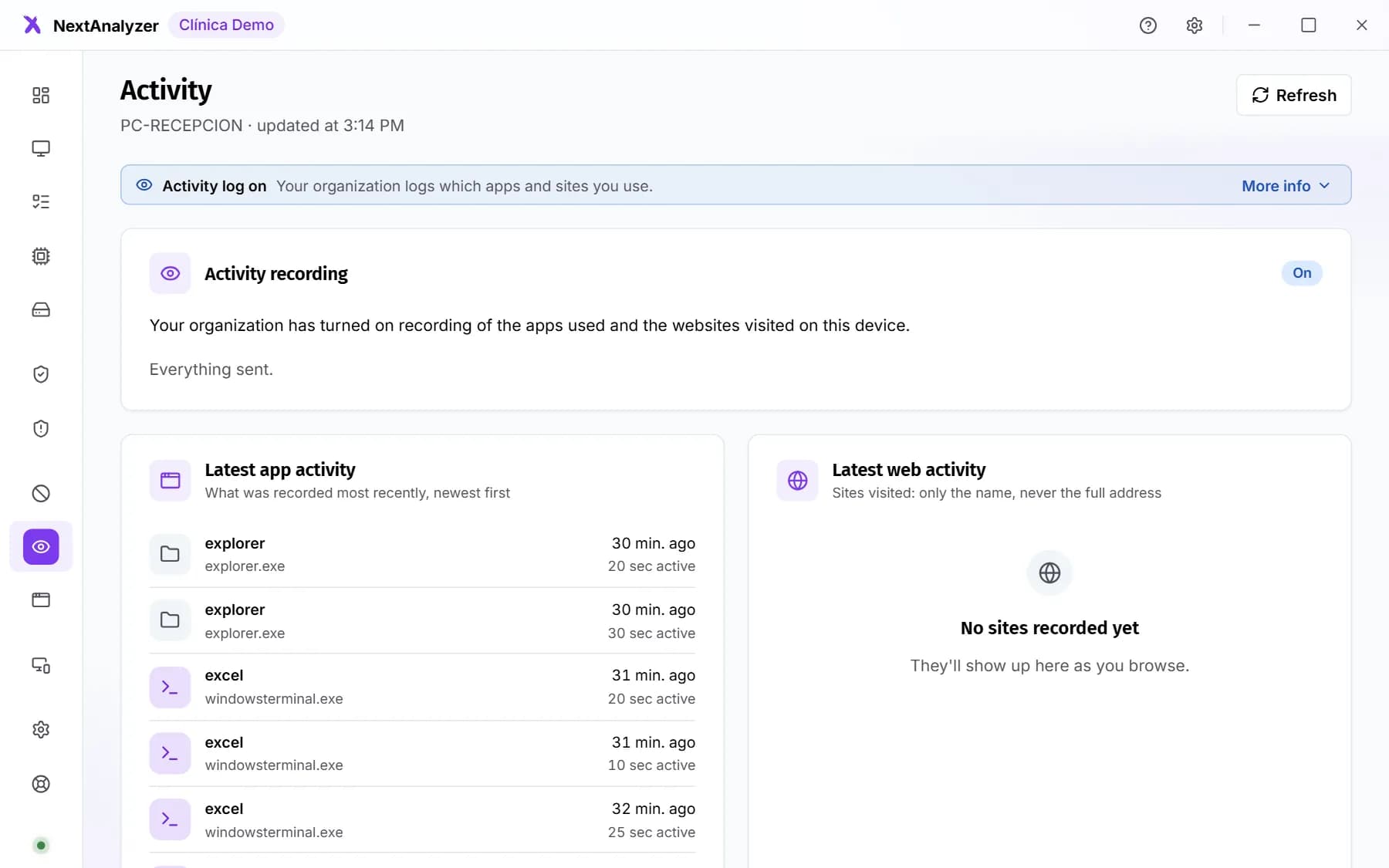
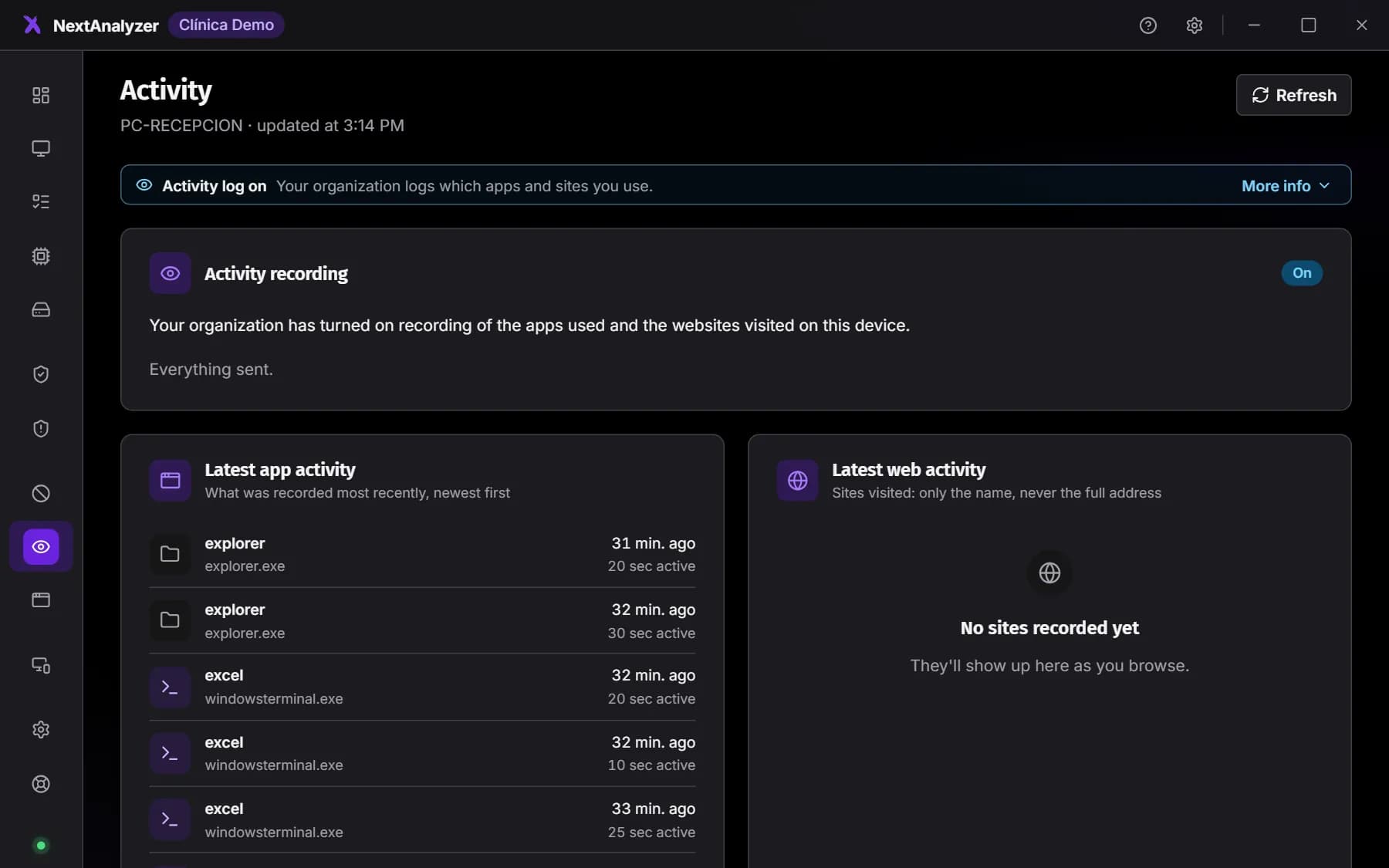
If your organization turns on activity recording, the app always shows the “Activity log on” notice. The Activity page shows what is recorded, what is never recorded and the latest entries on your device.
Expected result: The Activity page says whether recording is “On” or “Off”.
Tip: Page contents, what you type, your passwords and screenshots are never recorded.
If something goes wrong
I need a website for work and it's blocked
Ask your IT department, giving the exact address and the reason. They can allow it for the whole organization or just for your device. Don't try to get around blocking with a VPN or another DNS: it is your organization's rule.
I was told it's allowed now, but the notice still shows
The device gets changes in under a minute if it's online. Wait a moment, close the tab and open the website again. If the notice says “This website is no longer blocked”, just reload.
I can't turn off ad blocking
Your organization requires it on this device, so the switch is locked. If a website you need doesn't work because of it, tell your IT team.
A website looks odd or something is missing
Sometimes ad blocking also removes part of the page. If ad blocking is your own choice, turn it off for a moment in Settings and try again. If your organization requires it or the website shows as blocked, tell your IT team.
Still not working? Open a support ticket