
Measure your NIS2, ENS and ISO 27001 compliance
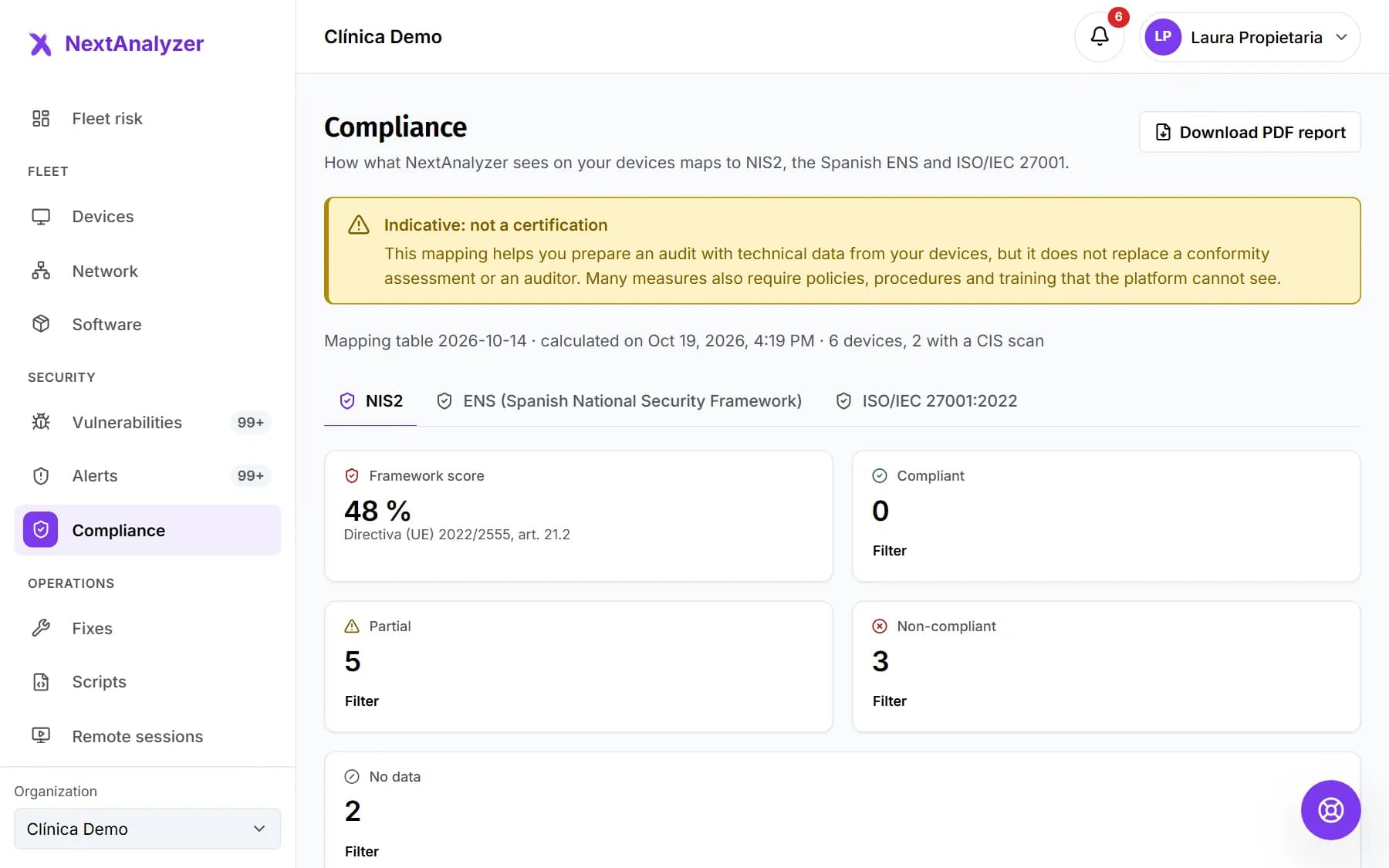
Compliance maps your devices' technical data to the controls of NIS2, Spain's National Security Framework (ENS) and ISO/IEC 27001. It is indicative: it doesn't certify. It tells you where to start and gives you evidence.
Open Compliance
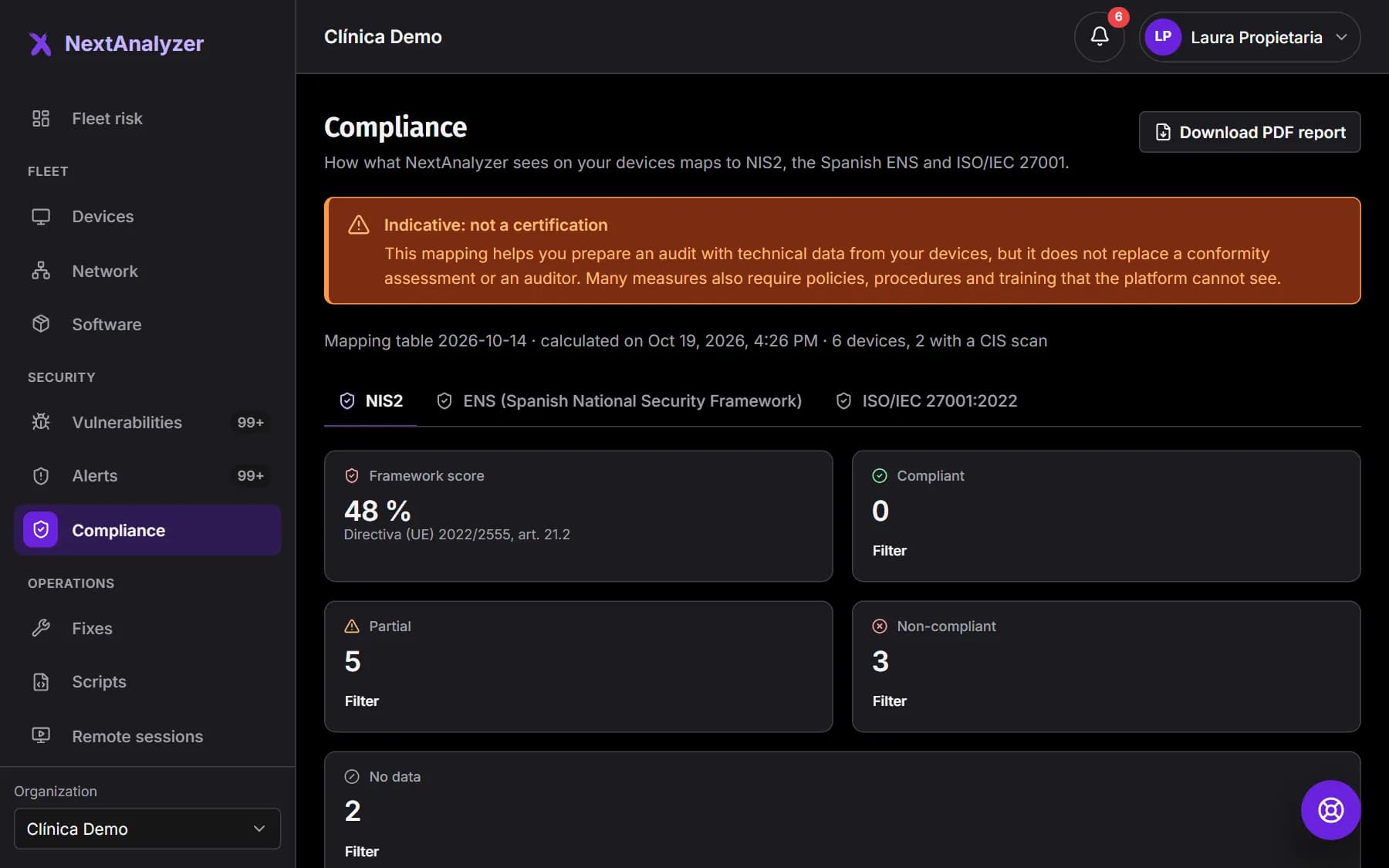
In the menu, Security › “Compliance”. Read the “Indicative: not a certification” notice. Below it you see the date of the data and how many devices have a CIS scan.
Expected result: You see the “Framework score” and the count of controls by status.
Choose the framework
Switch between NIS2 (art. 21.2), ENS and ISO/IEC 27001:2022 (Annex A). Each framework has its own score and controls.
Expected result: The list of controls changes to the chosen framework.
Filter by status
Controls show as “Compliant”, “Partial”, “Non-compliant” or “No data”. Click a figure to see only those. Start with “Non-compliant”. “Show all” clears the filter.
Expected result: You only see the controls in the chosen status.
Review each control
Each control says what percentage of devices pass it and how many fail or have no data. “Where it fails:” names the devices. “What to do:” explains how to fix it.
Expected result: You know what to fix and on which devices to raise the score.
Document what isn't measured
Some controls say “The platform cannot provide evidence for this control: document it separately.” These are policies, procedures or training that depend on your organization.
Expected result: You know what you must justify outside NextAnalyzer.
Download the PDF report
Click “Download PDF report”. It is generated in Reports with the evidence for each control, ready for an auditor or an insurer.
Expected result: A message says the compliance report was requested and will be in Reports when ready.
Get it every month
In Organization › “Reports”, “Scheduled delivery” tab, schedule the monthly “Compliance” report. That way you keep the month-by-month trend.
Expected result: The report arrives by email to whoever you choose.
If something goes wrong
Many controls show “No data”
Devices are missing a CIS configuration scan or detection isn't active. Check that your devices don't show “No detection” and wait for the next sync.
The score is very low
Start with the “Non-compliant” controls that affect most devices. They are usually firewall, antivirus, encryption, exploited vulnerabilities or two-factor authentication. Each one says what to do.
Does this certify me for NIS2, ENS or ISO 27001?
No. It is an indicative mapping based on technical data. It helps you prepare an audit, but it doesn't replace a conformity assessment or an auditor.
I can't see the button to download the PDF, or it won't let me
Administrators and the owner request the report. Ask one of them to download it or schedule it for you by email.
Still not working? Open a support ticket