
Retire or uninstall the agent
When a device leaves the organization, it's best to retire it from the dashboard: it frees its seat and the agent removes itself. If you'd rather do it on the device, here's how to uninstall on each system and what gets undone.
Retire it from the dashboard
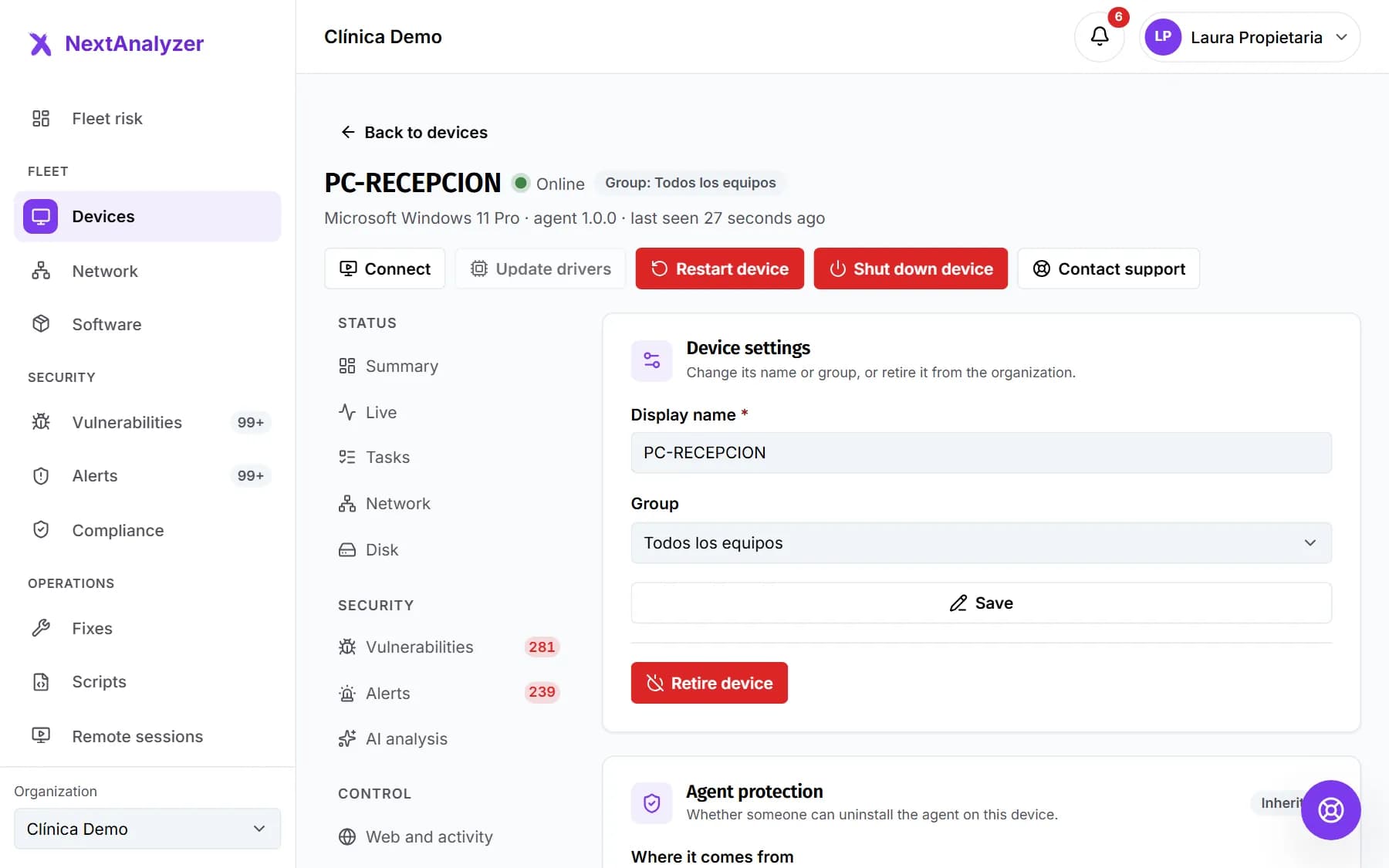
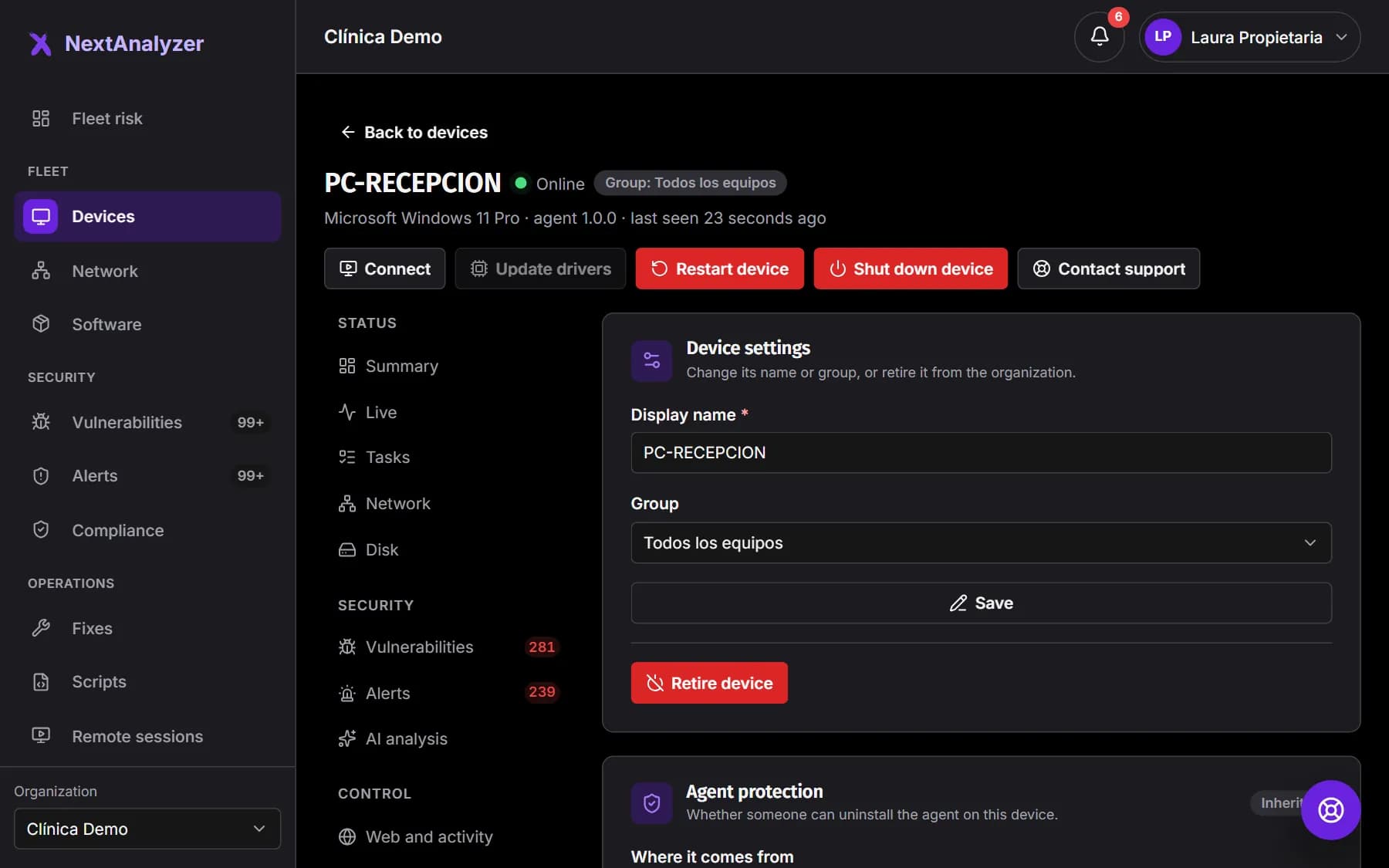
Open the device page › “Settings”. In “Manage device”, click “Retire device” and confirm. Its plan seat is freed immediately.
Expected result: The device disappears from the list and the agent uninstalls itself on its next heartbeat.
Tip: If the device is off, it uninstalls when it's turned on. To protect it again it has to be enrolled again.
Check whether uninstallation is protected
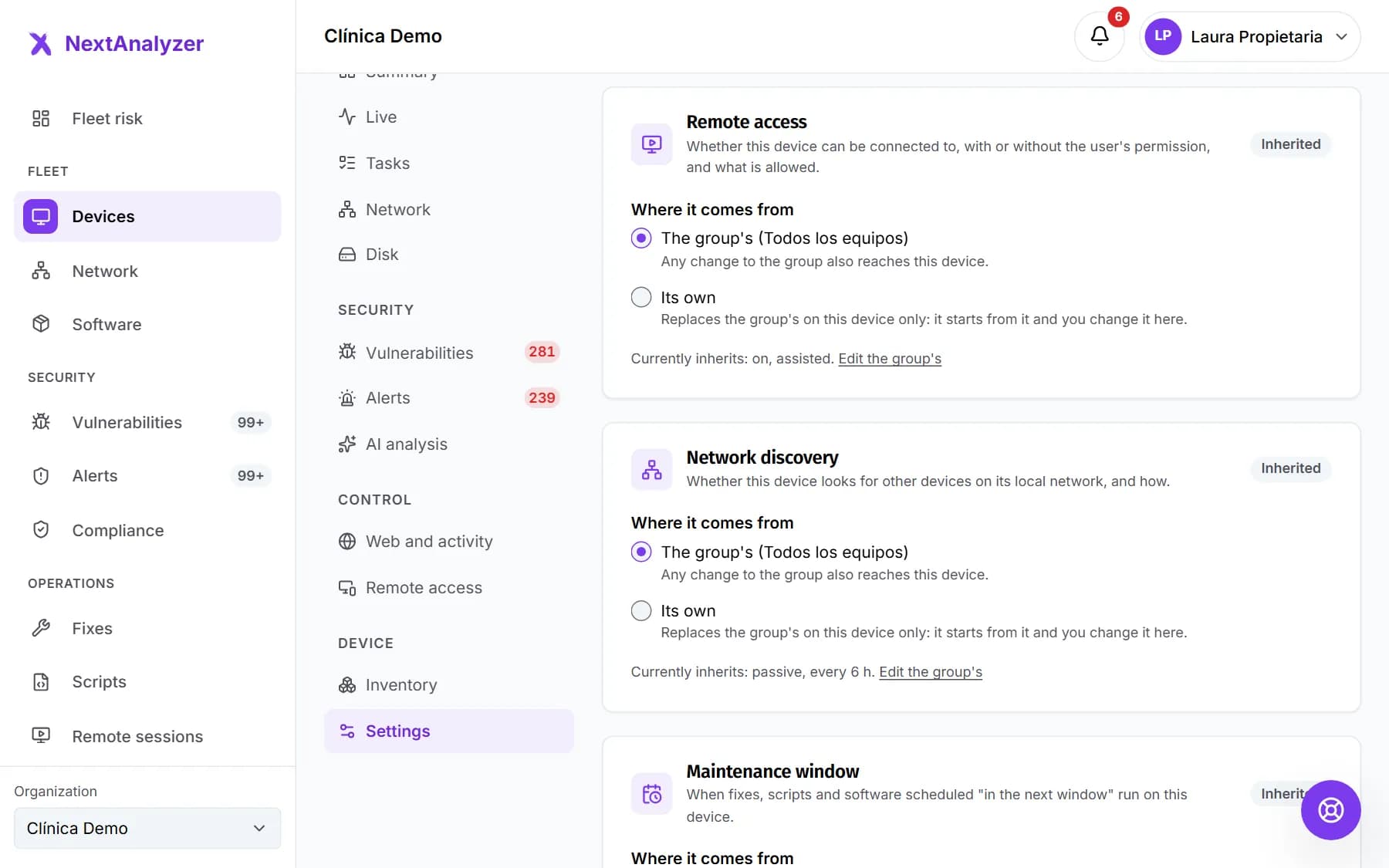
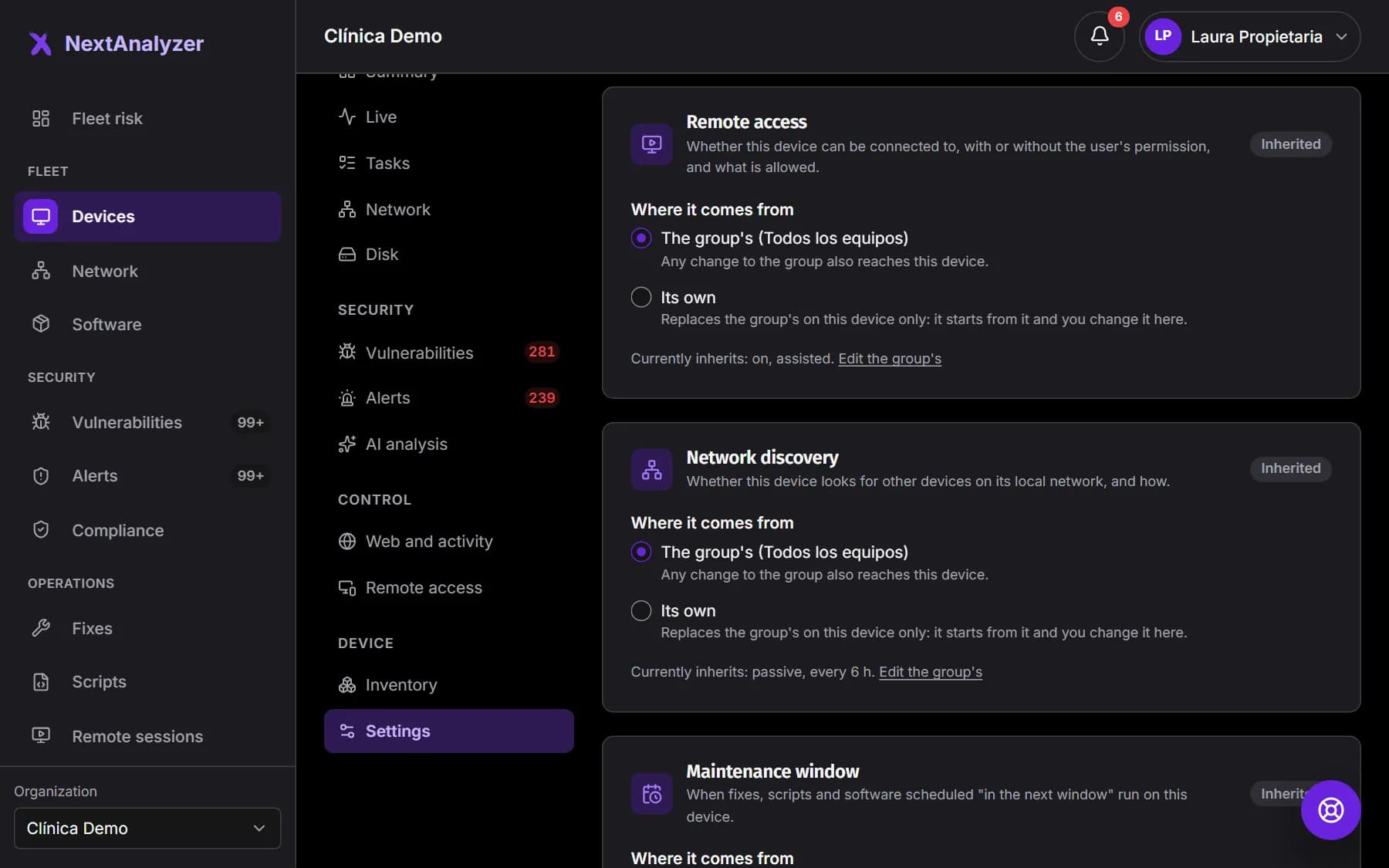
On the same page › “Settings”, “Agent protection” says whether uninstallation is “Allowed, with an alert” or “Protected”, and whether it's inherited from the group. If it's protected and you're uninstalling by hand, set it to “Allowed, with an alert”.
Expected result: The option is saved and the device receives it on its next heartbeat.
Tip: When protected, the device's uninstaller refuses until an administrator allows it here or retires the device.
Uninstall on Windows
Windows Settings › Apps › NextAnalyzer › Uninstall. Leave “Also remove the Wazuh agent (recommended)” ticked. With no prompts, use the command below in an administrator console.
"%ProgramFiles%\NextAnalyzer\Uninstall NextAnalyzer.exe" /SExpected result: You see “NextAnalyzer has been uninstalled”.
Tip: If uninstallation is protected, the silent command exits with code 3.
Uninstall on macOS
Run the uninstall script that ships inside the app in Terminal. It stops the service, removes the app and undoes the changes.
sudo "/Applications/NextAnalyzer.app/Contents/Resources/service/uninstall.sh"Expected result: The NextAnalyzer app disappears from Applications and the menu bar.
Tip: The Wazuh agent is only removed if NextAnalyzer installed it.
Uninstall on Linux
Remove the package with your distribution's manager: apt remove nextanalyzer, dnf remove nextanalyzer, zypper remove nextanalyzer or pacman -R nextanalyzer. The package scripts stop the service and undo everything.
sudo apt remove nextanalyzerExpected result: systemctl status nextanalyzer says the service doesn't exist.
Tip: With pacman, uninstall protection can't be enforced: if you need it on Arch, retire devices from the dashboard.
What gets undone
The system DNS, the DNS watchdog, firewall rules, browser policies and the block page's local authority go back to how they were. On Windows, so does the Ctrl+Alt+Del policy.
Expected result: The device browses and works as it did before the agent was installed.
Check the dashboard
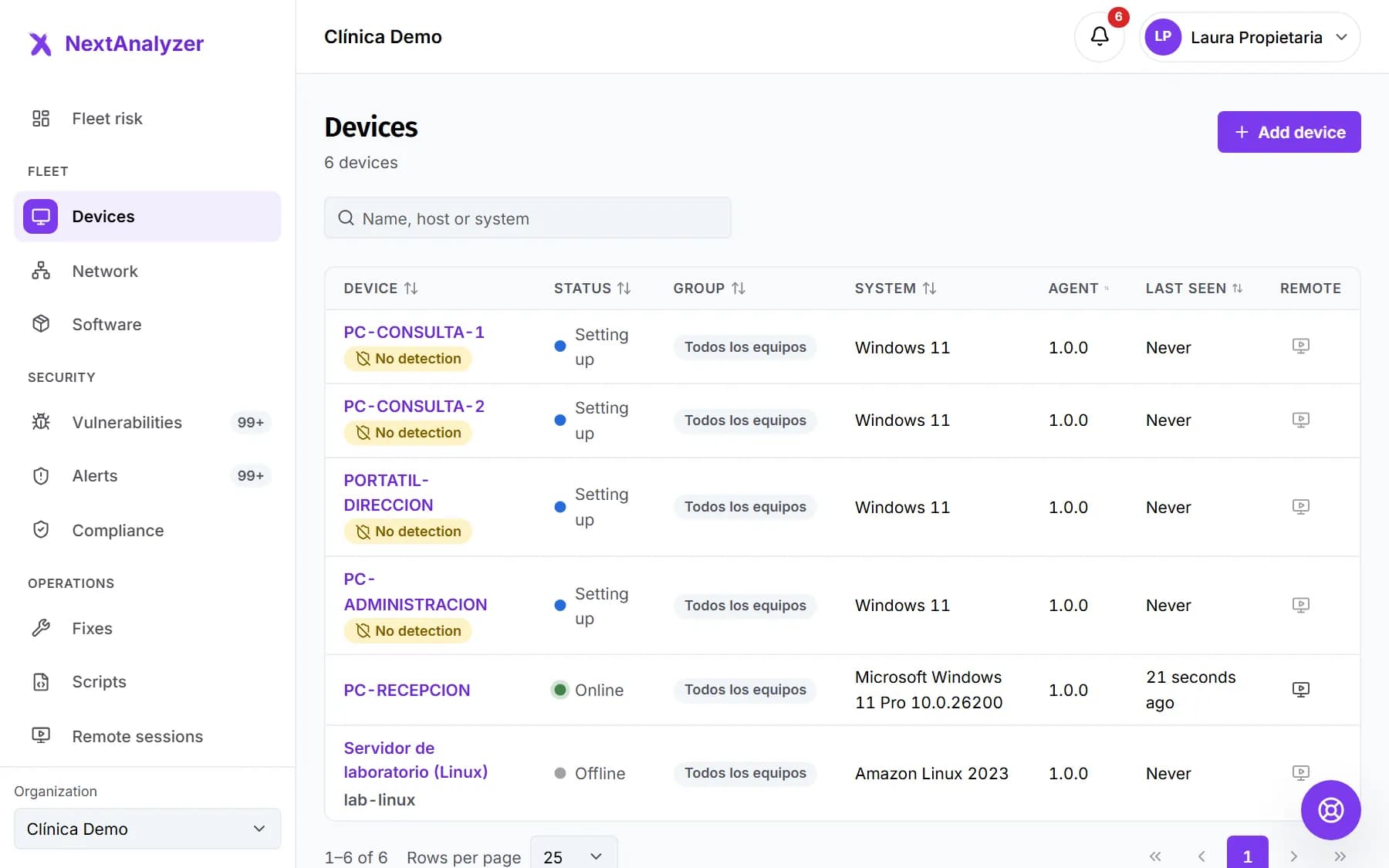
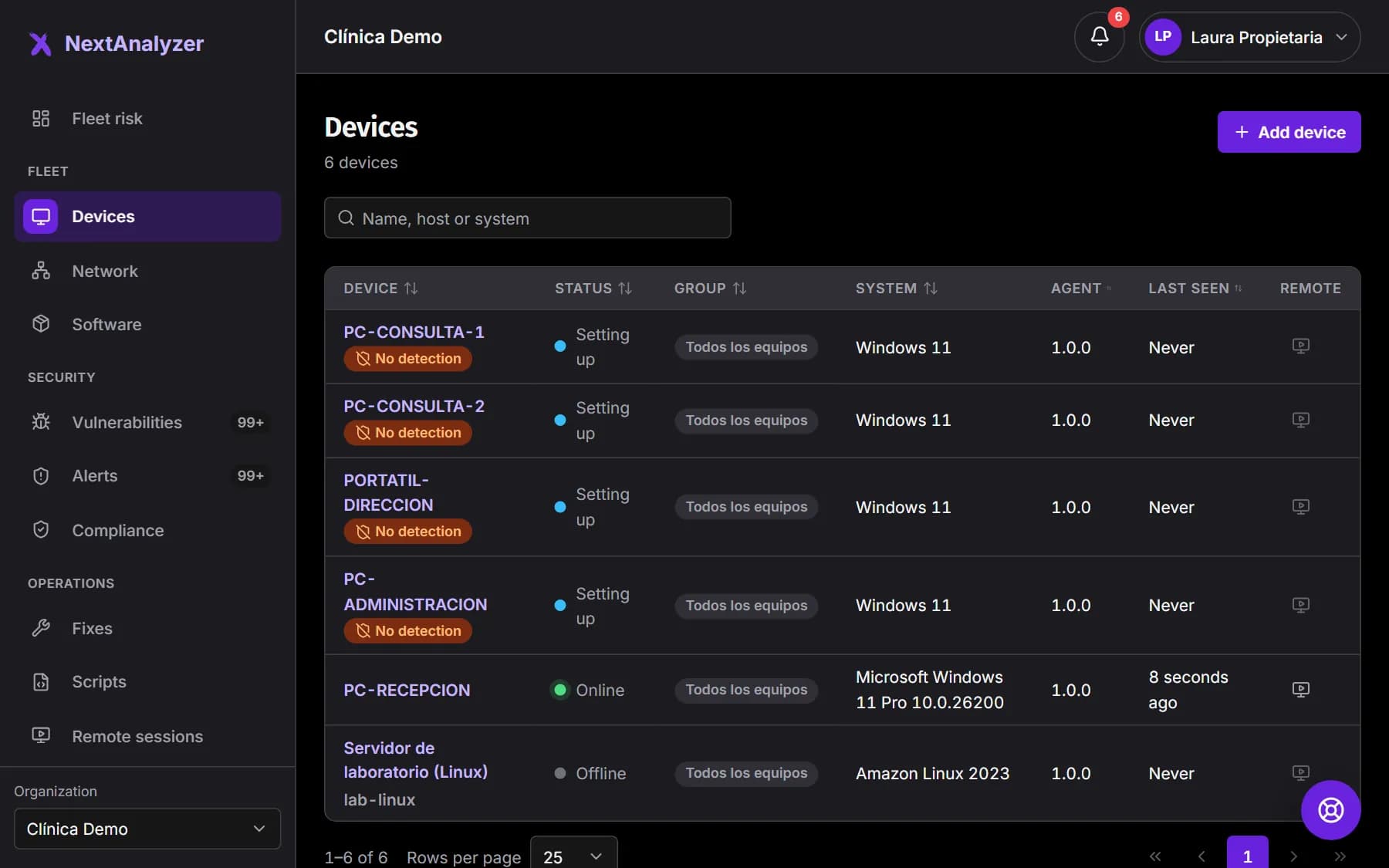
If you uninstalled by hand, open Devices. The device changes to “Agent uninstalled” and the “Agent uninstalled” alert is raised.
Expected result: You see the “Agent uninstalled” status. If you retired it from the dashboard, it's no longer listed and there's no alert.
If something goes wrong
The uninstaller says it's protected
Your organization has protected uninstallation. An administrator can set it to “Allowed, with an alert” on the device page › “Settings”, or retire the device from the dashboard. Then uninstall again.
I retired a device that's switched off
It will uninstall itself as soon as it's turned on and connects. Its plan seat is already free.
I uninstalled by hand and the device still takes a seat
An “Agent uninstalled” device keeps its seat for 7 days in case it's reinstalled; after that it's freed automatically. If you won't reinstall it, retire it from its page › “Settings” to free it now.
I unticked removing Wazuh and it's still installed
The Wazuh agent may keep sending the device's security data to your organization's server. Remove it from Windows Settings › Apps (Wazuh Agent).
I want to protect a retired device again
Install the agent again and link it with a new enrollment code from Downloads. It counts as a new device and takes a plan seat.
Still not working? Open a support ticket