
International billing: currency, taxes and invoices
NextAnalyzer bills organizations in many countries. Currency and taxes depend on the billing country and whether you're a business or an individual.
Open the tax details
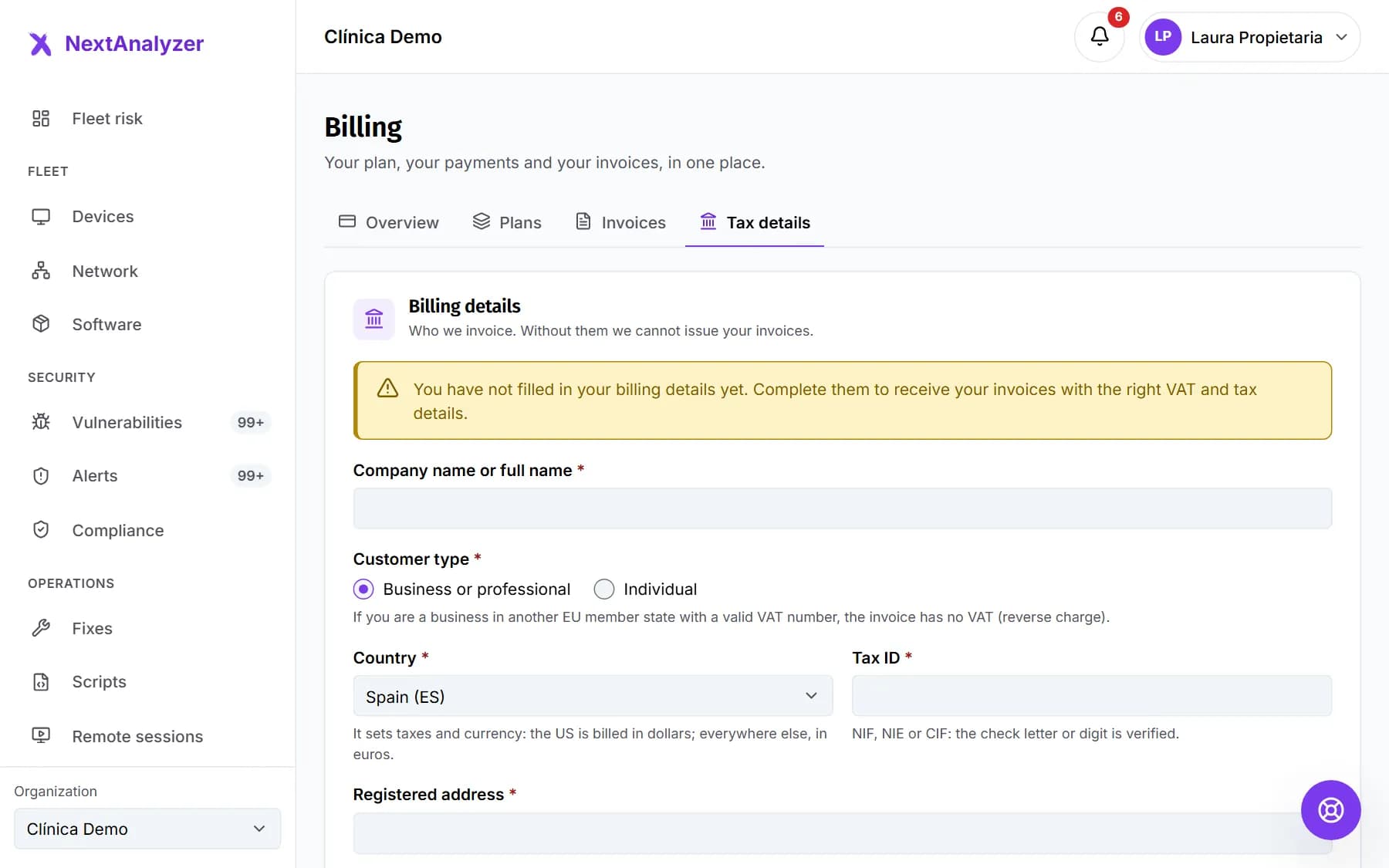
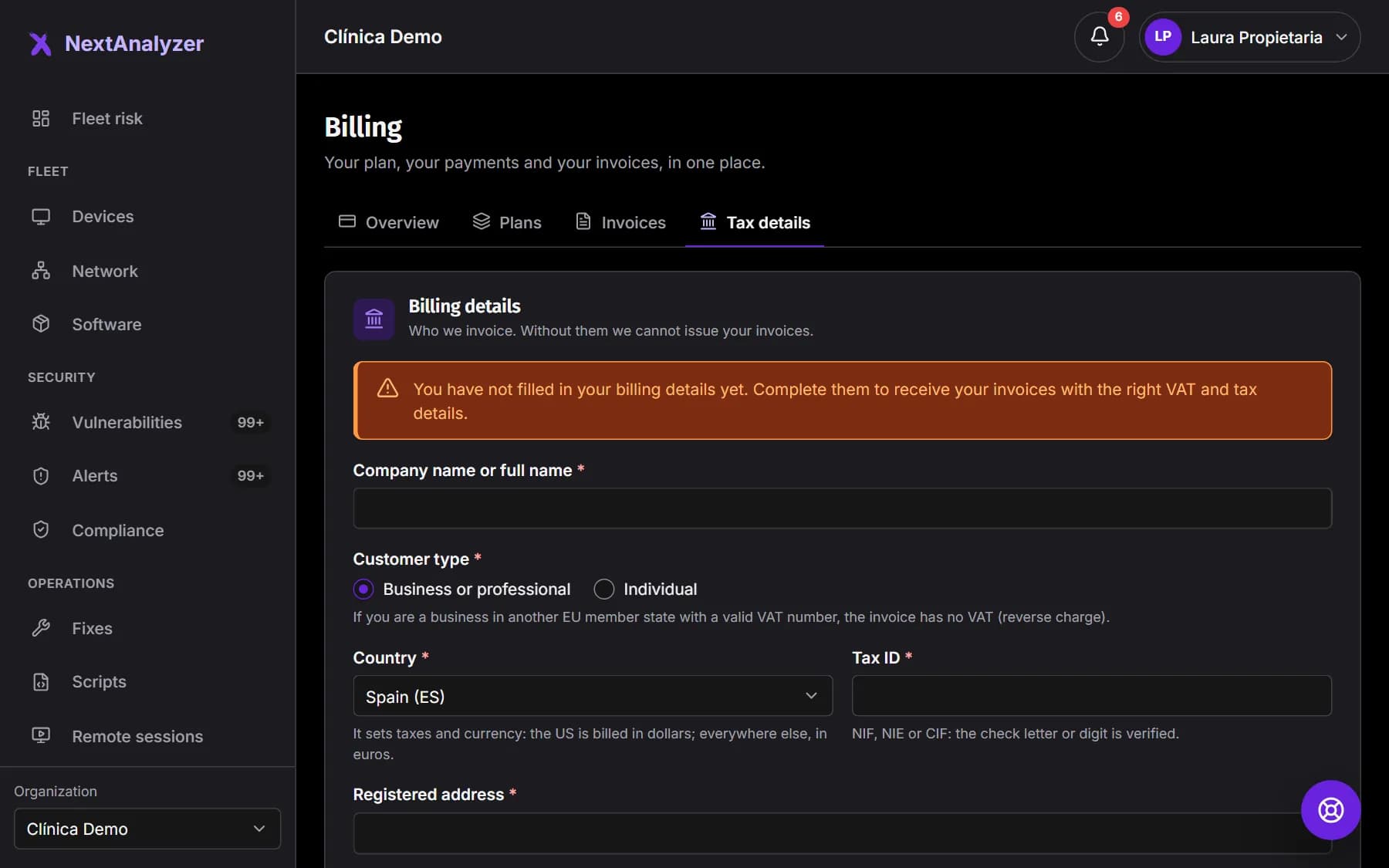
In Billing, open the “Tax details” tab. Fill in the legal name or your full name, the country, the registered address, the postal code, the city and the province, state or region.
Expected result: You see “Billing details saved.” when you save.
Say whether you're a business or an individual
Under “Customer type”, choose “Business or professional” or “Individual”. It changes which taxes apply and whether the tax ID is required.
Expected result: The form asks for the ID that fits your case.
Enter your tax ID
In Spain, NIF, NIE or CIF, checked with its control letter or digit. In the EU, the VAT number with the country prefix, validated in VIES. In the US, the EIN, optional for individuals.
Expected result: If you're an EU business, you see “Intra-EU VAT validated”.
Tip: In the US and Canada, the state or province and the postal code are also required.
Check your currency
The country sets the currency: the US pays in dollars and everyone else in euros. It's fixed when you subscribe and doesn't change if you update your details later.
Expected result: The form says “You will be billed in” followed by your currency.
Understand the taxes
Prices exclude tax; it's calculated at checkout based on your country. In Spain, VAT. A business in another EU country with a valid VAT number pays no VAT: it's a reverse charge. Outside the EU it depends on the country.
Expected result: Each invoice shows the tax base, the taxes broken down and the total.
View your invoices
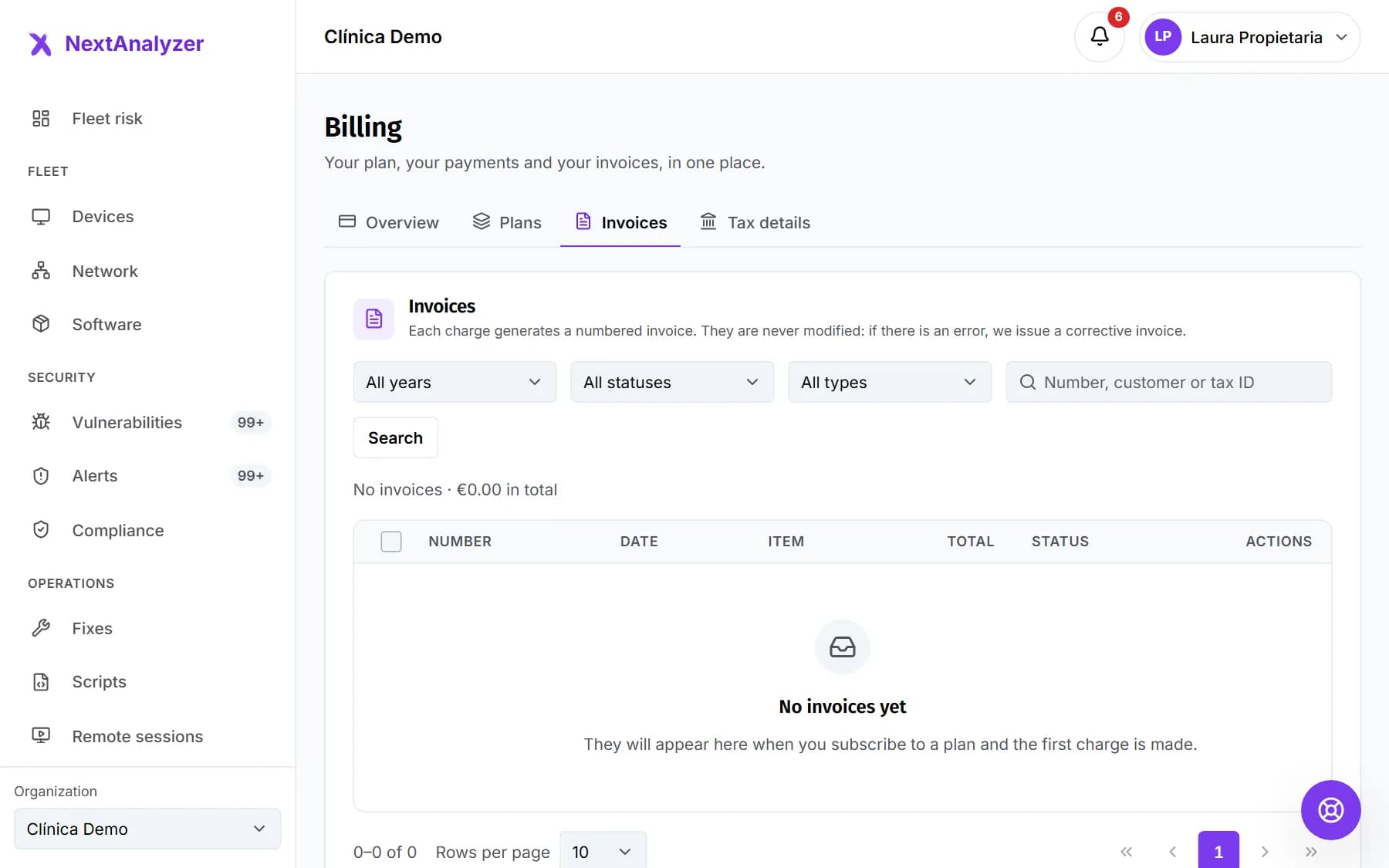
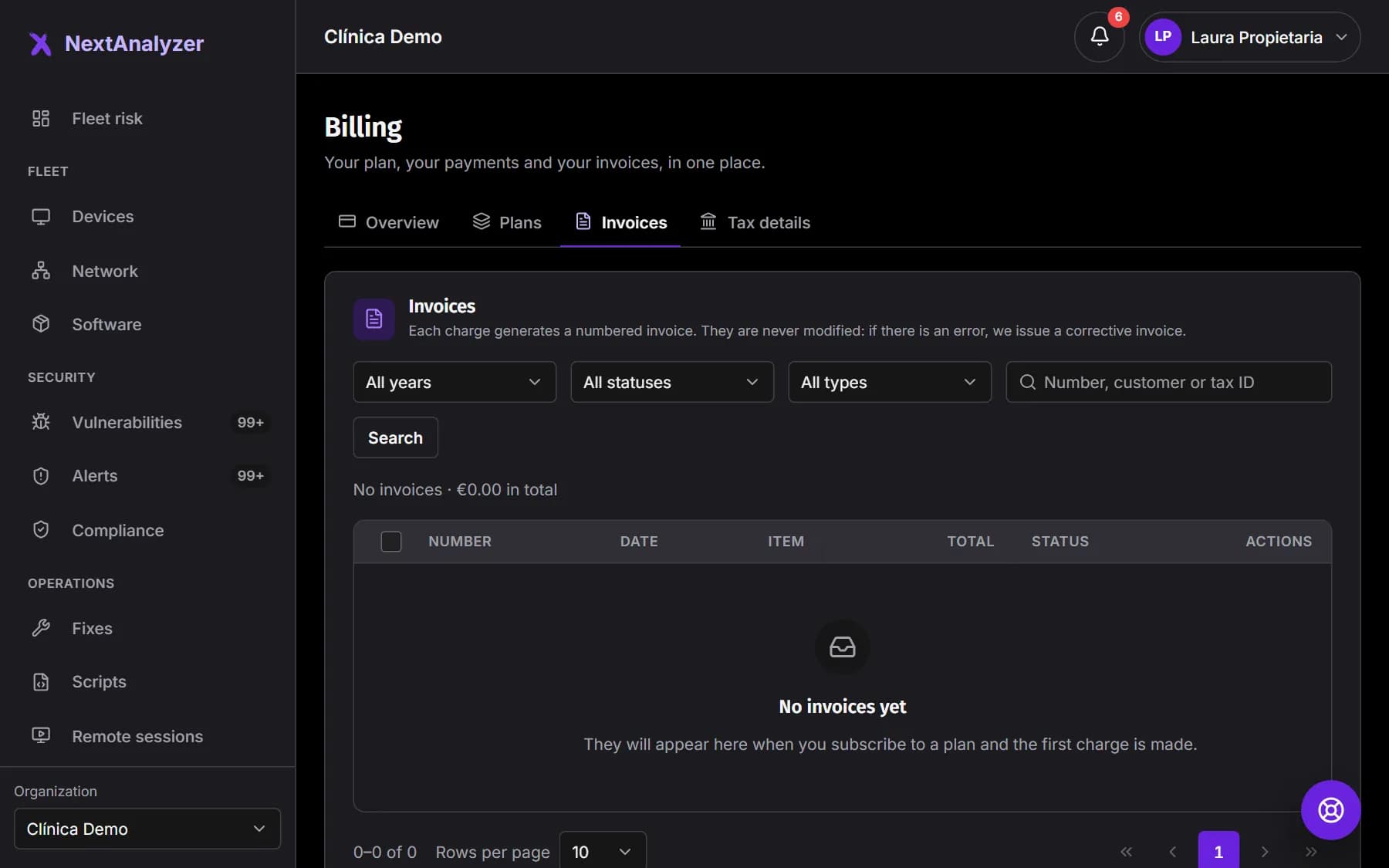
The “Invoices” tab lists them all, with sequential number, date, total and status. Filter by year, status or type, or search by number. Each invoice also arrives as a PDF at the billing email.
Expected result: You see the list with the invoice summary and the total.
Download one or several
Click “View” to open an invoice or “Download” to get its PDF. For several at once, use “Download all (ZIP)” or tick the ones you want.
Expected result: The PDF, or a ZIP with the chosen invoices, is downloaded.
Correct details or invoices
If your tax details change, update them before the next charge. Issued invoices aren't modified: if there's a mistake, a corrective invoice is issued. Ask support for it with the invoice number.
Expected result: The corrective invoice appears in Invoices with the type “Correction”.
If something goes wrong
It shows “Intra-EU VAT not valid”
VIES doesn't recognize the number. Check that it has the country prefix, such as FR12345678901, and that it's registered for intra-EU transactions. Until it's valid, VAT is charged.
I don't have any invoices
Invoices appear once you subscribe and the first charge is made. There are none during the trial. If your tax details are missing, fill them in: we can't issue invoices without them.
An invoice has a wrong detail
Invoices can't be changed once issued. Correct your tax details for future ones and ask support for a corrective invoice, giving its number.
I want to pay in another currency
The currency is fixed when you subscribe, based on the billing country, and doesn't change by itself. It only changes if you subscribe again without an active paid subscription. If you need it, open a billing ticket.
My organization is in the Canary Islands, Ceuta or Melilla
VAT doesn't apply there; IGIC or IPSI does. Those invoices aren't issued automatically: they're reviewed by hand. Write to us through support if you have questions.
Still not working? Open a support ticket